






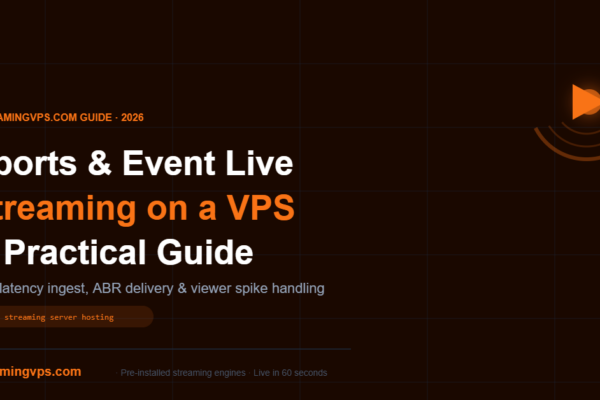
Sports & Event Live Streaming on a VPS — A Practical Guide
Learn how to set up professional live streaming server hosting for sports and events on a VPS. Covers server specs, streaming engines, low-latency delivery, and handling viewer spikes.
Learn how to set up professional live streaming server hosting for sports and events on a VPS. Covers server specs, streaming engines, low-latency delivery, and handling viewer spikes.
Automate Wowza Streaming Engine on your VPS with its built-in REST API: create apps, restart streams, and pull live viewer stats. Get a managed Wowza VPS today.
Switching from shared hosting to a streaming VPS fixes CPU throttling, blocked RTMP ports, and buffering. See the signs, costs, and migration steps here.
Pre-installed streaming server vs DIY VPS setup compared — cost, time, control, and maintenance. See which approach fits your team before you provision.
Multi-camera live streaming on a VPS lets you switch 2-6 feeds without a dedicated production PC. See setup steps, VPS sizing tips, and get started today.
Audio loudness normalization keeps live streams and IPTV channels at a steady volume. See EBU R128 and ATSC A/85 targets, then set up ffmpeg loudnorm on a VPS.
Multi-CDN live streaming explained: content steering, failover triggers, real CDN pricing, and when one CDN is truly enough.
Learn how to set up Wowza Streaming Engine on a VPS in 2026. Skip the manual config — get a pre-installed Wowza VPS from StreamingVPS.com in 60 seconds.
Yes, shared hosting is bad for live streaming: CPU throttling, blocked RTMP ports, and shared-IP problems cause buffering and drops. Here’s when it’s fine.
Wowza Transcoder turns one live stream into multiple ABR renditions with watermarks and captions built in. See setup, licensing, and GPU costs on a VPS.