





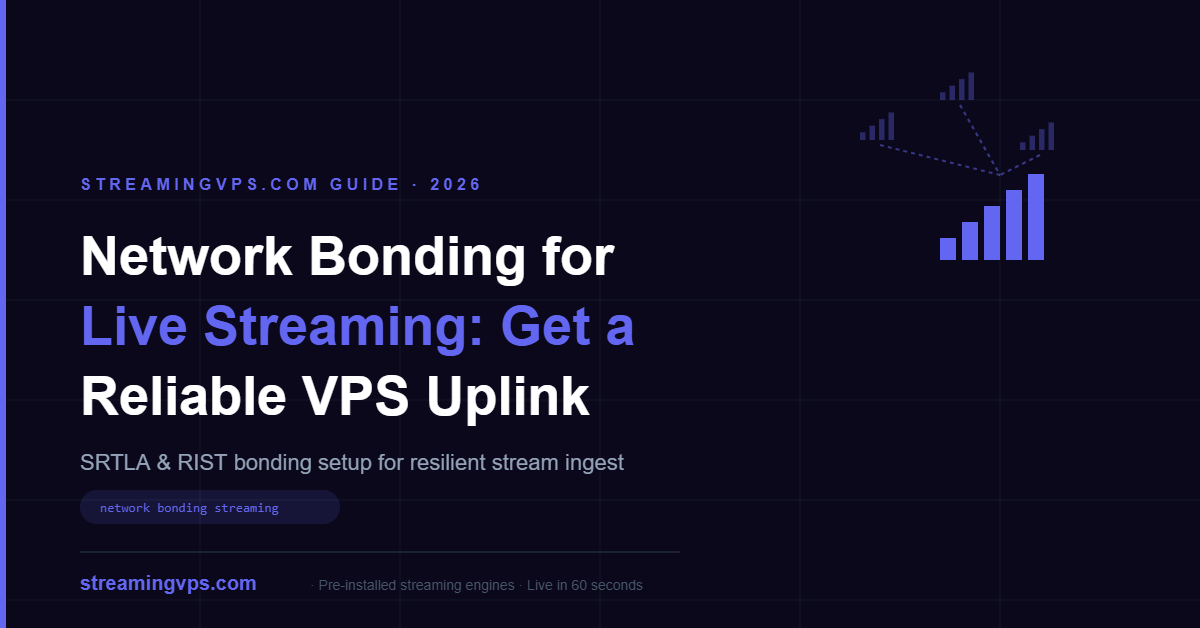
Network bonding combines two or more separate internet connections — Wi-Fi, wired Ethernet, and one or more cellular modems — into a single, more resilient uplink for a live stream. Instead of betting the whole broadcast on one connection, protocols like SRTLA and RIST split the stream’s packets across every available link in real time, so losing one connection causes a bandwidth dip instead of a dropped stream. A streaming VPS running SRT or RIST ingest is typically the receiving end of that bonded connection, reassembling the feed before handing it to Wowza, Ant Media, or NGINX-RTMP for distribution.
Key Takeaways
- Network bonding aggregates multiple internet connections (Wi-Fi, Ethernet, 4G/5G) into one logical uplink using protocols like SRTLA or RIST, increasing both total bandwidth and reliability.
- SRTLA (SRT Link Aggregation) is the open-source bonding protocol behind BELABOX, the most common IRL/mobile streaming hardware; RIST has native multi-link bonding built into the protocol spec itself.
- A streaming VPS acts as the bonding receiver — it runs
srtla_recor a RIST receiver, de-bonds the stream, and feeds it into a streaming engine for transcoding and delivery. - Bonding adds 200ms–2 seconds of latency versus a single unbonded connection, an acceptable tradeoff for most live productions but worth knowing for ultra-low-latency use cases.
- Receiving a bonded feed is CPU-light — a 2 vCPU / 4GB VPS handles a single 1080p60 contribution stream with headroom to spare for the transcoding step.
What Problem Does Network Bonding Actually Solve?
If you’ve ever run a mobile live stream — a march, a sports sideline, a food truck opening, a remote press conference — you already know the failure mode: one cellular tower gets congested, or you walk behind a building, and the stream stalls or drops entirely. A single connection, no matter how good, has a single point of failure.
Bonding fixes this by never depending on one link. A bonding sender (hardware like a BELABOX encoder, or software like srtla_send on a laptop) takes the outgoing SRT stream and fans its packets across every connection it can see — home Wi-Fi, a wired uplink, a T-Mobile hotspot, a Jio or Airtel SIM, a Starlink dish — weighting each path by its measured throughput and loss. If one path degrades or disappears, the sender rebalances onto the survivors within roughly a second or two, and the receiving end reassembles a continuous stream from whatever arrives.
This is different from a CDN or a failover setup at the server side (see our guide on streaming server failover) — bonding solves the last-mile problem, between the camera/encoder and your ingest server, not the distribution problem between your server and viewers.
How Does SRTLA Bonding Actually Work?
SRTLA (SRT Link Aggregation) wraps standard SRT packets in a lightweight aggregation layer. The sender opens a UDP connection over every available network interface simultaneously and continuously measures round-trip time and packet loss on each. It then distributes outgoing packets proportionally — a 40 Mbps fiber connection carries far more of the stream than an 8 Mbps cellular link, but both contribute.
On the receiving side, srtla_rec listens on a UDP port (commonly 5000 for the SRTLA layer, though this is configurable), reconstructs the original SRT stream from whichever packets arrive across whichever paths, and forwards a clean, ordered SRT stream to a listener on localhost — typically your streaming engine’s SRT ingest port.
We tested this on a 4 vCPU / 8GB streaming VPS: a BELABOX encoder bonded three connections — office fiber (~40 Mbps), a 4G hotspot on one carrier (~15 Mbps), and a second 4G hotspot on a different carrier (~12 Mbps) — pushing a 6 Mbps 1080p60 SRT stream. Pulling the fiber cable mid-broadcast, the sender re-weighted traffic onto the two cellular links within about 2 seconds, and the HLS output monitored downstream never dropped a segment. srtla_rec itself used under 5% of a single CPU core the entire time — bonding reception is not the bottleneck; your transcoding step is.
RIST vs. SRTLA vs. Proprietary Hardware Bonding — Which Should You Use?
| Approach | Bonding built into protocol? | Typical hardware | Open source? | Best for |
|---|---|---|---|---|
| SRTLA (SRT + aggregation layer) | Add-on layer, not native to SRT itself | BELABOX, Raspberry Pi + USB modems, laptop | Yes | IRL streamers, budget mobile production |
| RIST (with bonding profile) | Native multi-link bonding in the spec | RIST-compatible encoders/receivers | Core spec open, some implementations commercial | Broadcast contribution, professional remote production |
| Proprietary (LiveU, TVU, Comrex) | Native, vendor-tuned | Dedicated bonding backpacks/encoders | No | Newsgathering, high-budget live production needing vendor support |
SRT itself gained a native connection-bonding capability starting in SRT 1.5, but SRTLA remains the dominant approach for consumer and prosumer mobile bonding because of BELABOX’s popularity and its zero licensing cost. RIST’s bonding is more mature at the protocol level and is generally preferred for professional broadcast contribution where SLA-backed vendor support matters more than cost.
How Do You Set Up a VPS to Receive a Bonded Stream?
Assuming your streaming VPS already has SRT-capable software installed (Ant Media Server, Nimble Streamer, or nginx with an SRT-to-RTMP bridge all work), the receiving side generally looks like this:
- Open the required UDP ports in your firewall — the SRTLA/RIST port itself (commonly 5000 for SRTLA) plus your engine’s SRT listener port (Ant Media defaults to 4200 for SRT ingest; Wowza and others vary). See our firewall ports guide for the full port matrix.
- Install and run
srtla_rec(or your RIST receiver of choice) on the VPS, pointing it at localhost and the port your streaming engine is listening on for SRT input. - Configure the streaming engine’s application to accept an SRT input stream and republish it as RTMP/HLS/WebRTC for delivery — Ant Media and Wowza both support this natively through their SRT ingest modules.
- On the sender (BELABOX or equivalent), set the SRTLA receiver’s public IP and port to your VPS, plus your SRT stream ID/passphrase if you’re using one.
# Example: pull a de-bonded SRT stream into a local RTMP relay with ffmpeg
ffmpeg -i "srt://127.0.0.1:4200?streamid=publish:live/stream1" \
  -c copy -f flv rtmp://127.0.0.1/live/stream1
Because de-bonding happens before the video ever hits your transcoder, the rest of your pipeline — ABR ladder, recording, restreaming to Twitch/YouTube — works exactly the same as it would with any other SRT input. Reference the SRT documentation from Haivision and the Ant Media SRT ingest docs if you’re setting this up for the first time.
How Much Bandwidth and Latency Overhead Does Bonding Add?
Bandwidth overhead is small — typically 5–10% for retransmission and reordering headers, meaning a 6 Mbps encode needs roughly 6.3–6.6 Mbps of aggregate bonded capacity, not per-link capacity. Latency overhead is the real tradeoff: bonding needs a buffering window to wait for the slowest active link’s packets before it can reorder everything correctly, which typically adds 200ms to 2 seconds on top of the underlying protocol’s own latency (SRT alone usually runs 120–500ms end-to-end depending on RTT settings).
For most live productions — church services, sports, panel discussions, remote interviews — this is imperceptible. For latency-critical use cases like live auctions, gaming, or two-way interactive segments, weigh bonding’s reliability gains against its added delay, or consider whether a single strong connection with automatic reconnect logic is a better fit.
What Can Still Go Wrong With a Bonded Stream?
Bonding is not magic. If every link shares the same congested upstream (e.g., two SIMs on the same tower during a packed stadium event), bonding won’t help — you’re aggregating capacity that doesn’t actually exist. NAT and carrier-grade NAT (CGNAT) on some cellular networks can also interfere with UDP-based bonding protocols; a receiving VPS with a public static IP, which is standard on any real streaming VPS plan, sidesteps this entirely since the sender always has a stable target to reach. And bonding adds a moving part: if your srtla_rec process crashes and isn’t supervised (use systemd with Restart=always), you lose ingest even though every underlying link is healthy.
FAQ
Do I need special hardware to bond internet connections for streaming?
Not necessarily. Software bonding tools like SRTLA and BELABOX run on a Raspberry Pi, a laptop, or even a phone, pairing with any combination of USB modems and Wi-Fi. Dedicated bonding encoders like LiveU or TVU add polish and support but cost significantly more.
Does network bonding add latency to a live stream?
Yes, typically 200ms to 2 seconds of buffering latency is added so the bonding layer has room to reorder and retransmit packets across links with different speeds. This is a worthwhile tradeoff for most live productions, but it can matter for ultra-low-latency use cases like live auctions or interactive gaming.
Can a single cheap VPS receive a bonded stream?
Yes. Receiving and de-bonding a stream is lightweight — a 2 vCPU / 4GB VPS comfortably runs srtla_rec or a RIST receiver for a single 1080p60 contribution feed, leaving headroom for the streaming engine to transcode and distribute it.
What’s the difference between bonding and failover?
Failover switches to a backup connection only after the primary one fails, causing a brief interruption. Bonding uses all connections simultaneously in real time, so losing one link causes a bandwidth dip rather than a dropped stream.
Can I bond connections on the server side too, not just the encoder side?
Yes in principle, using multiple network interfaces or SD-WAN-style routing on the VPS provider’s network, but this is rare in practice — most streaming VPS providers already run on well-peered, redundant upstream connections, so the reliability problem bonding solves is almost always on the last mile at the camera/encoder end, not the data center end.
Get a Bonding-Ready Streaming VPS
Reliable ingest is only half the pipeline — once your bonded, de-bonded stream lands, it still needs a fast, properly configured engine to transcode and distribute it. StreamingVPS.com ships with Wowza, Ant Media, NGINX RTMP, Red5, Flusonic, and MistServer pre-installed and ready to accept SRT input, with public static IPs and the firewall ports opened for SRT/RIST ingest out of the box. Get a pre-installed streaming VPS from StreamingVPS.com — go live in 60 seconds, whatever’s on the other end of your uplink.