









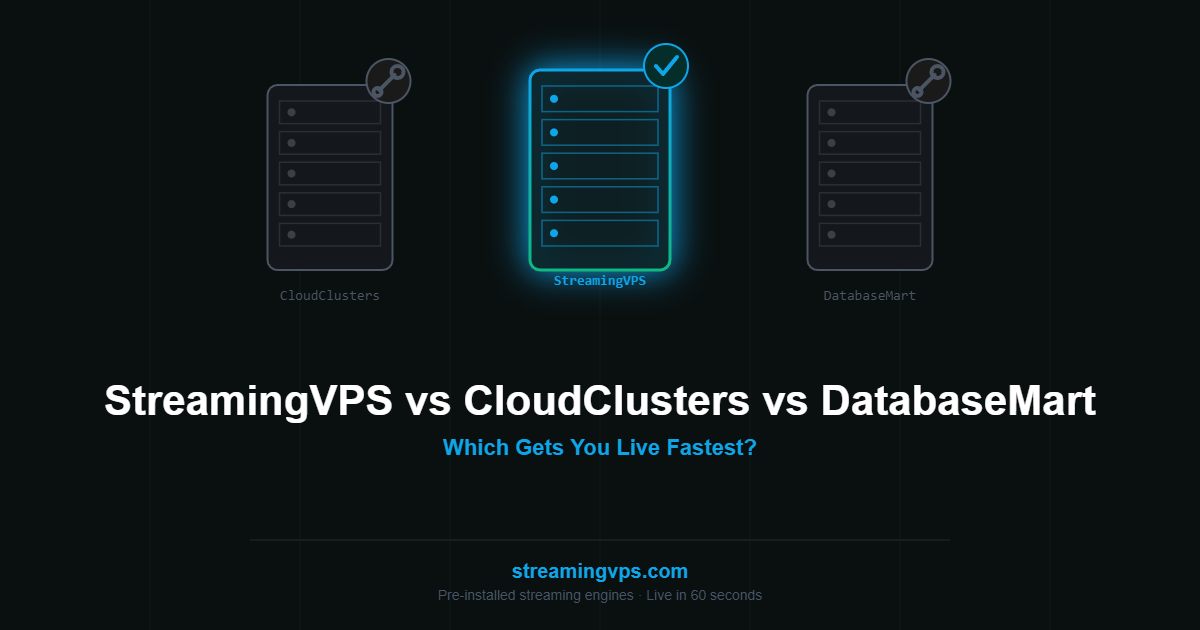
Short answer: StreamingVPS gets you live fastest because the streaming engine is already installed; CloudClusters and DatabaseMart both hand you a capable server and expect you to build the streaming stack yourself. If your priority is minutes-to-first-stream and you don’t want to manage engine software, StreamingVPS is the clearer fit. If your priority is raw GPU horsepower for heavy transcoding or gaming-stream workloads and you’re comfortable configuring the software layer, CloudClusters or DatabaseMart are reasonable alternatives.
Key Takeaways
- StreamingVPS ships with Wowza, NGINX-RTMP, Ant Media, Red5, Flusonic, or MistServer pre-installed — no manual engine setup.
- CloudClusters and DatabaseMart both sell strong raw infrastructure (including GPU tiers) but leave the streaming engine to you.
- DatabaseMart has a dedicated OBS-focused landing page, signaling it targets the DIY-comfortable creator segment specifically.
- CloudClusters splits its product line across VPS, GPU, and dedicated servers, aimed more broadly at gaming/emulation streaming too.
- For most streamers, setup time and ongoing engine maintenance matter more day-to-day than raw compute headroom.
What Does Each Provider Actually Sell?
StreamingVPS sells a fully managed streaming environment, not just a server — you pick your streaming engine (Wowza for enterprise-grade features, Ant Media for WebRTC/interactive use cases, NGINX-RTMP for a lightweight budget option, or Red5/Flusonic/MistServer for specific workflow needs) and it’s live and configured within about 60 seconds of provisioning.
CloudClusters sells infrastructure across four separate product lines — VPS, GPU servers, dedicated servers, and gaming servers — with streaming positioned as one use case among several (it also markets directly to emulation and game-streaming audiences). You get a capable machine; the RTMP/HLS/WebRTC software stack is your responsibility to install and configure.
DatabaseMart takes a similar DIY-infrastructure approach but with a specific, well-targeted landing page for OBS users (/streaming/obs), explicitly speaking to creators who already know they want to self-host an RTMP server and just need the box underneath it.
How Do StreamingVPS, CloudClusters, and DatabaseMart Compare Head-to-Head?
| StreamingVPS | CloudClusters | DatabaseMart | |
|---|---|---|---|
| Pre-installed streaming engine | Yes (6 engine choices) | No | No |
| Setup time to first stream | ~60 seconds | Hours (manual engine install) | Hours (manual engine install) |
| GPU tier available | Not currently offered | Yes | Yes |
| OBS-specific landing content | Yes | No | Yes (/streaming/obs) |
| Target audience | Streamers who want it working immediately | GPU/gaming/broad infra buyers | DIY-comfortable OBS/RTMP creators |
| Data center regions | India | US-based | US-based |
How Much Faster Is Time-to-First-Stream on a Pre-Installed Engine?
This is the practical difference that matters most day-to-day. On StreamingVPS, provisioning a server with, say, NGINX-RTMP pre-installed means the RTMP port is already open, the engine is already running, and you’re pointing OBS at a working rtmp:// URL within a minute or two of your server being ready.
On a bare VPS from CloudClusters or DatabaseMart, the same outcome requires: SSH into the server, install build dependencies, compile NGINX with the RTMP module from source (it isn’t in standard package repositories), write the rtmp {} configuration block, open the firewall port, and test the connection — a process that realistically takes an hour or more for someone experienced, and considerably longer for a first-timer troubleshooting an unfamiliar compile error. Neither approach is “wrong” — it depends entirely on whether you want to own that setup work.
When Would CloudClusters or DatabaseMart Actually Be the Better Choice?
In the interest of an honest comparison: if your workload is GPU-heavy — say, real-time AI-based upscaling, heavy multi-bitrate transcoding at 4K scale, or a game-streaming/emulation setup that specifically benefits from GPU-accelerated encoding — CloudClusters’ and DatabaseMart’s GPU tiers are worth evaluating, since StreamingVPS doesn’t currently offer a GPU option. Likewise, if you’re already comfortable managing your own Linux server stack and specifically want full control over every layer of the streaming software (custom NGINX modules, non-standard engine configurations), a bare VPS gives you that flexibility in a way a pre-installed environment intentionally trades off for speed.
FAQ
Does CloudClusters support OBS?
Yes, in the sense that any VPS with an open RTMP port and an installed RTMP-capable server supports OBS — but CloudClusters doesn’t pre-install that server for you, unlike StreamingVPS.
Is DatabaseMart’s OBS VPS pre-configured for RTMP?
No — DatabaseMart’s OBS page targets creators comfortable installing and configuring their own RTMP server software; the VPS itself is a capable base server, not a pre-built streaming environment.
Which is cheaper — a pre-installed engine or a bare VPS?
It depends on the plan tier, but the more relevant cost is usually time: a bare VPS’s lower sticker price can be offset by an hour or more of setup work and the ongoing responsibility of maintaining the engine software yourself.
Get Started
Want to skip the manual engine setup entirely? See StreamingVPS pricing for pre-installed Wowza, NGINX-RTMP, Ant Media, Red5, Flusonic, and MistServer plans, live in about 60 seconds.



