









What Each Server Actually Does
Before the comparison, a quick grounding:
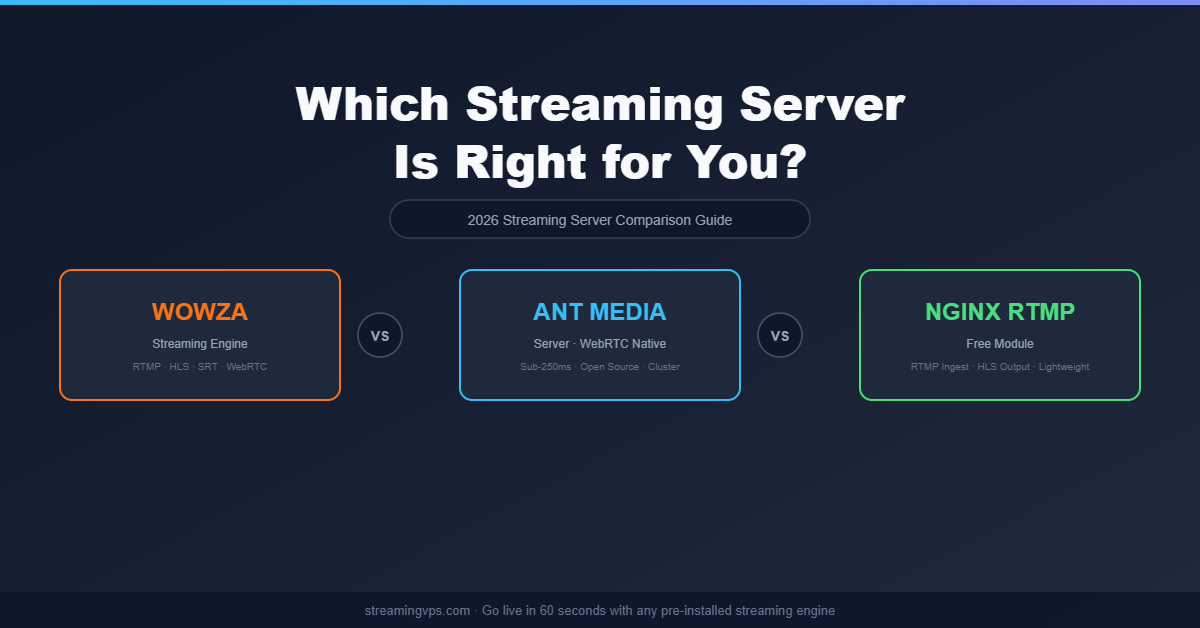
Wowza Streaming Engine is a Java-based, enterprise-grade streaming server with 15+ years of production history. It supports RTMP, HLS, DASH, SRT, WebRTC, and more — out of the box. Licensing is commercial; the server itself is featureful but heavyweight.
Ant Media Server is an open-source (with enterprise tier) media server built specifically around WebRTC and ultra-low-latency streaming. It handles adaptive bitrate (ABR), cluster scaling, and browser-native playback without plugins. It’s the go-to when sub-second latency is non-negotiable.
NGINX RTMP is a free, open-source module that turns an NGINX web server into an RTMP ingest point. It transcodes to HLS, handles recording, and routes streams — but it does not natively output WebRTC, and anything beyond basic use requires significant manual configuration.
Protocol Support: Where Each Server Wins
| Protocol | Wowza | Ant Media | NGINX RTMP |
|---|---|---|---|
| RTMP Ingest | ✅ | ✅ | ✅ |
| HLS/DASH Output | ✅ | ✅ | ✅ (via ffmpeg) |
| WebRTC | ✅ | ✅ (native) | ❌ |
| SRT | ✅ | ✅ | ❌ |
| CMAF / Low-Latency HLS | ✅ | ✅ | Limited |
| RTSP | ✅ | ✅ | ❌ |
Takeaway: For RTMP ingest + HLS delivery, all three work. For WebRTC or SRT, NGINX RTMP falls out of the running immediately. For production WebRTC at scale, Ant Media is the strongest native choice.
Latency: The Real-World Numbers
This is where the three diverge most significantly:
- NGINX RTMP → HLS: 8–30 second latency depending on segment size. Fine for VOD-adjacent streams; not acceptable for live interaction.
- Wowza: 3–8 seconds via HLS; sub-second via WebRTC if configured. The WebRTC path requires add-on licensing in some editions.
- Ant Media Server: Sub-250ms WebRTC natively, ~3–5s via HLS. Designed from the ground up for interactive streaming — gaming, auctions, e-learning, telemedicine.
If your use case has a chat window, a host taking live questions, or any real-time interaction, Ant Media’s latency profile is difficult to beat without significant Wowza configuration work.
Scalability and Clustering
NGINX RTMP is single-server by design. You can route streams between servers manually or push to a CDN, but there’s no native cluster or origin-edge model. Scaling means writing your own orchestration.
Wowza supports scale-out via Wowza Streaming Cloud (their SaaS offering) or through manual stream manager configuration. It’s battle-tested at scale, but the clustering setup is complex and the licensing model doesn’t always make horizontal scaling cost-efficient.
Ant Media Server includes native clustering out of the box in its community and enterprise editions. You can add origin and edge nodes without manual stream routing. This makes it the most cloud-native of the three for teams that need to scale quickly.
Cost: Licensing and Operational Reality
NGINX RTMP is free and open-source. The cost is your time: configuring, debugging, and maintaining it. On a $5–10/month VPS, operational cost is low — but the engineering overhead can be substantial for anything beyond a single RTMP stream.
Ant Media Server Community Edition is free and open-source. The Enterprise Edition costs roughly $149/month (self-hosted) or per-instance pricing on cloud. The community edition covers most use cases, though clustering and some ABR features require enterprise.
Wowza Streaming Engine licensing starts at approximately $95/month per instance. For small teams or single-server deployments, that’s manageable. At scale across multiple instances, costs climb steeply.
When you deploy on StreamingVPS.com, Wowza Streaming Engine, Ant Media Server, and NGINX RTMP can all be pre-installed and ready in 60 seconds — no manual installation or dependency hell. The VPS cost covers the infrastructure; Wowza licensing is separate, while Ant Media CE and NGINX RTMP are included with no additional license cost.
Best Use Cases for Each Server
Choose Wowza if:
- You’re running a broadcast-quality live stream or OTT platform
- You need deep protocol support (RTMP, HLS, DASH, RTSP, SRT, WebRTC) from a single server
- Your team prefers a GUI-managed server with enterprise support
- You’re ingesting from professional broadcast encoders (Elemental, Haivision, etc.)
- Stability and support SLAs matter more than cost
Choose Ant Media Server if:
- You’re building interactive streaming — watch parties, live auctions, online education, telemedicine
- WebRTC output is a hard requirement
- You need sub-second latency at scale
- You want open-source with an upgrade path to enterprise clustering
- You’re building a video conferencing or co-streaming feature into an application
Choose NGINX RTMP if:
- You’re running a single-stream setup with no interactivity requirements
- Budget is the primary constraint and engineering time is available
- You only need RTMP ingest → HLS output
- You’re already running NGINX for web serving and want to co-locate the stream ingest
- This is a dev/staging environment, not production
The VPS Configuration That Makes Sense for Each
All three servers run well on a Linux VPS, but their resource profiles differ:
NGINX RTMP is lightweight. A 2 vCPU / 2GB RAM VPS handles several concurrent streams comfortably. CPU spikes during transcoding — if you’re running multiple simultaneous transcode ladders, plan for 4+ vCPUs.
Ant Media Server recommends at least 4 vCPU / 8GB RAM for production WebRTC workloads. WebRTC is CPU-intensive; under-provisioning leads to dropped frames and jitter. For clustering, each node benefits from dedicated resources.
Wowza runs on Java and has a heavier memory footprint. Minimum 4GB RAM; 8GB+ recommended for multi-stream production. CPU load scales with concurrent stream count and transcoding profiles.
All three are available as pre-configured options at StreamingVPS.com — letting you skip the installation and go straight to streaming configuration.
Quick Decision Matrix
| Requirement | Best Choice |
|---|---|
| Lowest cost, simple RTMP | NGINX RTMP |
| Sub-second latency / WebRTC | Ant Media Server |
| Enterprise support + protocol breadth | Wowza |
| Open-source + scalable clustering | Ant Media Server |
| Broadcast / OTT production | Wowza |
| Developer building a streaming app | Ant Media Server |
| Dev/test environment | NGINX RTMP |
Conclusion
There’s no universal winner here — the right streaming server depends on your latency requirements, budget, and use case.
NGINX RTMP is the right tool for simple, cost-efficient RTMP-to-HLS pipelines where you control the engineering. Ant Media Server wins on WebRTC, interactive streaming, and modern low-latency use cases. Wowza remains the enterprise standard for broadcast-quality streams that need deep protocol support and commercial backing.
If you’re unsure which engine fits your project, StreamingVPS.com makes it easy to try any of them. Every plan comes with your chosen streaming server pre-installed and pre-configured — Wowza, Ant Media, NGINX RTMP, and more. Go live in 60 seconds and switch engines without a full server rebuild.



